 |
ON+power
-
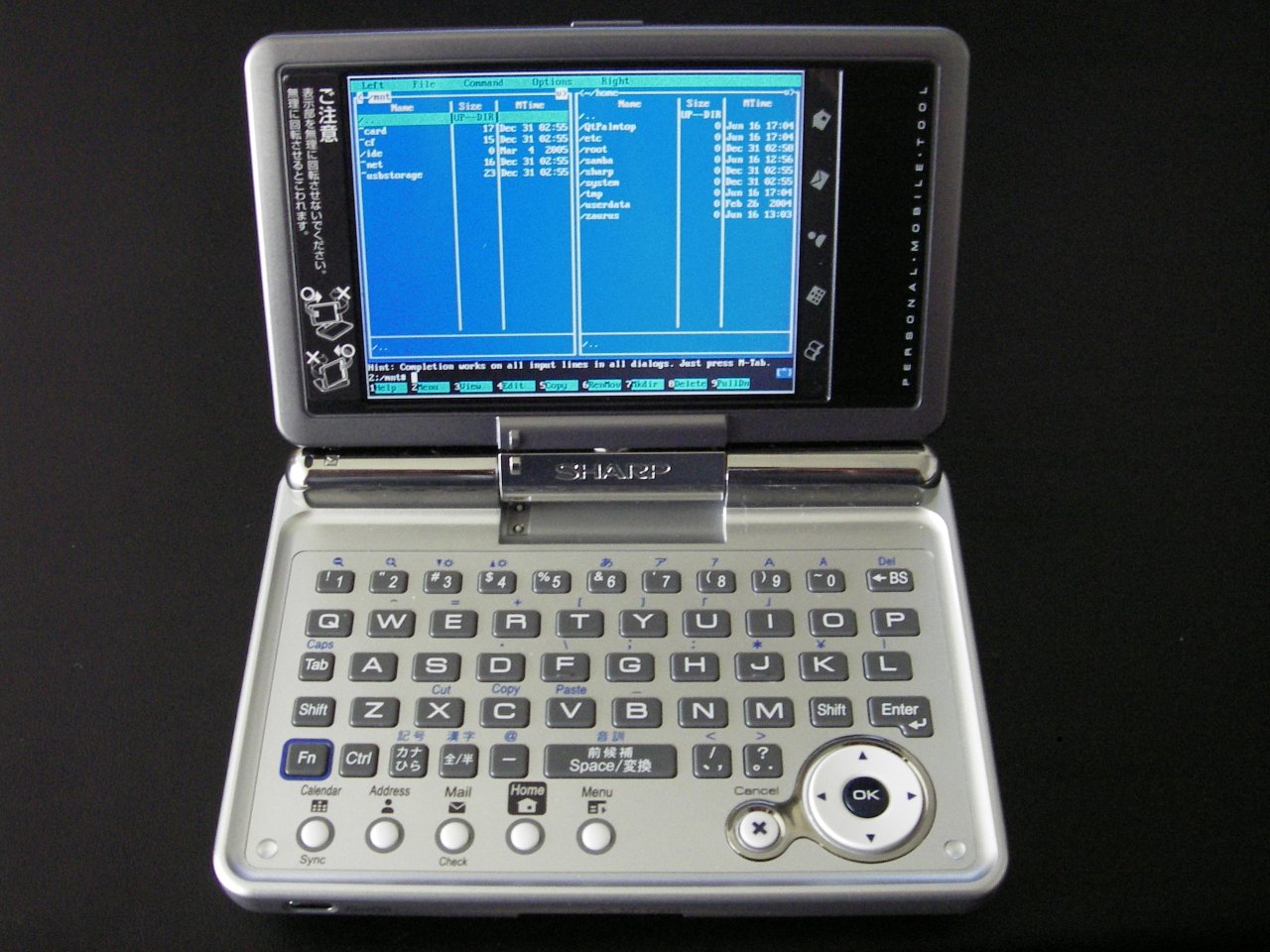
ON+power— Was used to install the last stage of PdaXrom 1.1.0beta4, instead of the standard.
—
- Insert the battery
-
Slide the cover-lock to the “locked” position.
- You can leave the cover off if you want to.
- Plug the power cable in
- Hold “OK”
-
Press the power button
—
- Option one reboots.
-
Option two is a data check.
- Within that, option two is to run a fsck.
- Option three is unknown.
-
Option four is to flash a new ROM.
Spoiler
- Shutdown Zaurus
- Remove battery lid and press the reset button
- Put battery lid back on and lock battery compartment
- Plug the power cable in
- Hold
OKbutton and turn the Zaurus on - Select Option
2(data check) - Select Option
2(run fsck) - Confirm (left option)
- Wait for
fsckto finish - Restart Zaurus (using the reset key inside the battery compartment)


Pulled out from the main Zaurus SL-C1000 topic. Date is a wild guess.