 |
D+M
Other key combinations and instructions exist out there, but this is the only one which worked for me.
See also:
Table of Contents [hide]
Method 1 ∞
-
Remove the battery and unplug the power cable.
- This seems to also be possible with the battery in, but official instructions say to remove it.
- Press
dandmsimultaneously. Keep holding it these keys down. -
While still holding
D+M, re-insert the power cable.- It’s possible to re-insert the battery instead.
-
Let go of
D+M
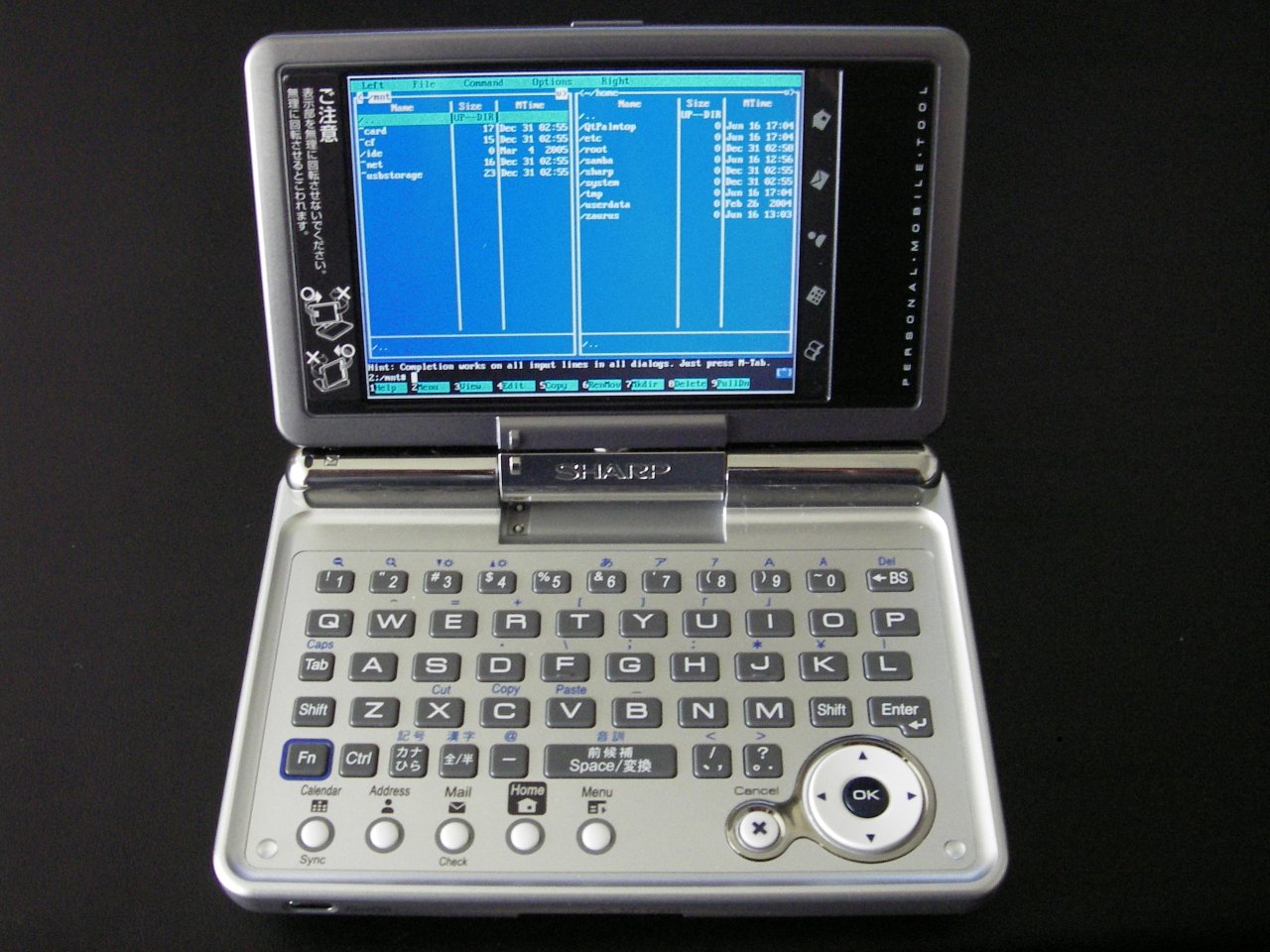
The service menu will appear.
(untested) Method 2 ∞
(not tested)
- Press
dandmsimultaneously. Keep holding it these keys down. -
Tell your operating system to reboot.
After your operating system shuts down and begins to reboot, the service menu will appear.


renamed