World of Warcraft > AddOns >
https://github.com/Kiatra/ChocolateBar
https://www.wowace.com/projects/chocolatebar
A bar for your LibDataBroker addons.
World of Warcraft > AddOns >
https://github.com/Kiatra/ChocolateBar
https://www.wowace.com/projects/chocolatebar
A bar for your LibDataBroker addons.
https://www.wowinterface.com/downloads/info23964
Displays the world quests and their rewards.
Awkward and poorly laid-out. Usable enough, it says on the box.
Abandoned?; not updated since 2019-01-15
svn://svn.wowace.com/wow/elephant/mainline/trunk
https://web.archive.org/web/20151223171529/http://forums.wowace.com/showthread.php?t=7816
https://www.wowace.com/projects/elephant
Logs messages, so they are remembered between sessions.
 |
git://git.wowace.com/wow/adibags/mainline.git
https://www.wowace.com/projects/adibags
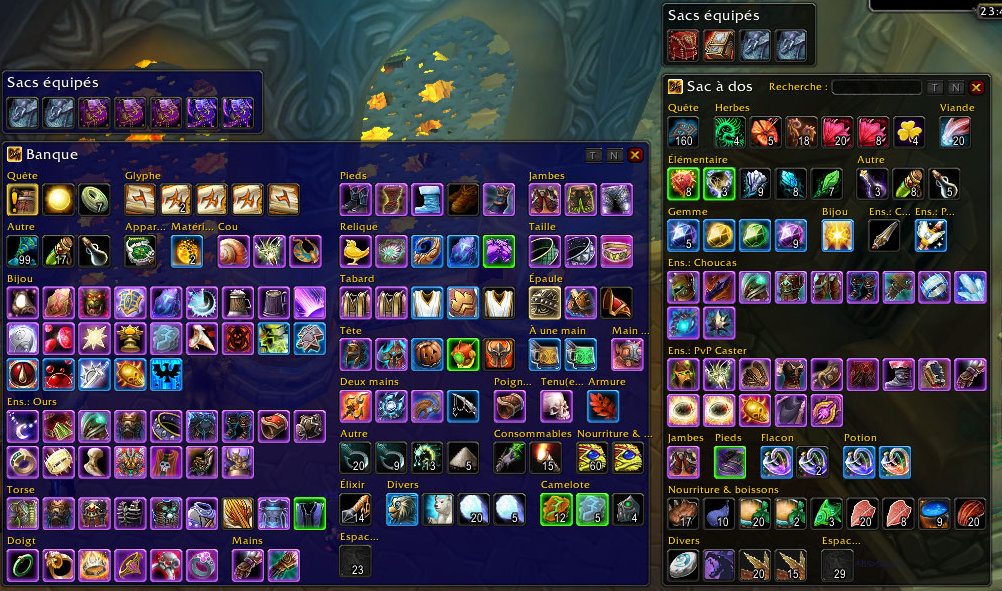
A bag/bank addon notable for its pre-configured categories and ability to “thin down” the list of inventory items.
Not especially awesome, and it’s a far cry from what ArkInventory can do, but it’s simple and fast.
BagSync is recommended as a companion, since AdiBags knows/shows nothing about what’s in one’s bank or on alts.
TODO – figure out how to order the categories in their list. I’m sick of things being inconsistent and bouncing around.
https://www.wowace.com/projects/ampere
https://github.com/TekNoLogic/Ampere
An excellent AddOn control panel.
It does not have set functionality though, so I used AddonSwitcher for that.
I currently use TooManyAddons
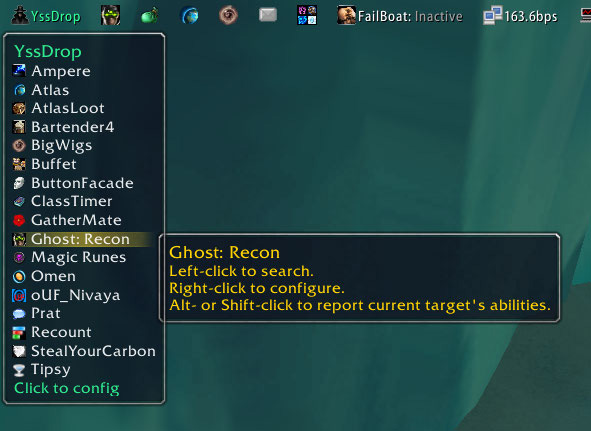 |
https://www.wowace.com/projects/yssdrop
Broker Plugin for your Broker Launchers.
Yes, it’s very meta. It allows one to clean shit up, taking all the broker addons that would be scattered across your LibDataBroker bar(s) and put them neatly in a dropdown list in that bar or in a minimap button.
Abandoned; as of 2020-10-05 last updated 2012-08-28
 |
https://www.wowace.com/projects/saved_instances
While it does more, I use this to see my alts’ lockouts.
 with Titan Panel
|
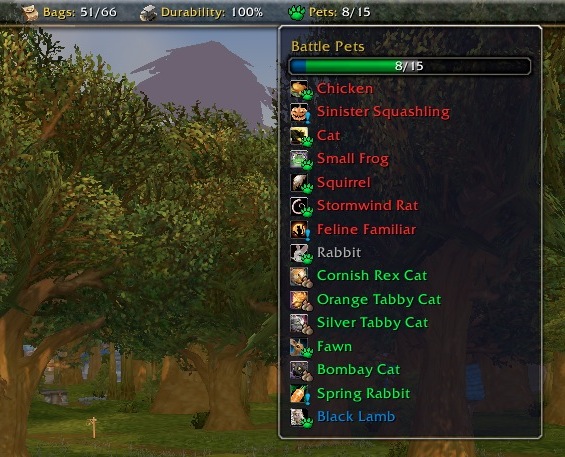
https://www.curseforge.com/wow/addons/pettracker-broker
A LibDataBroker addon for PetTracker.
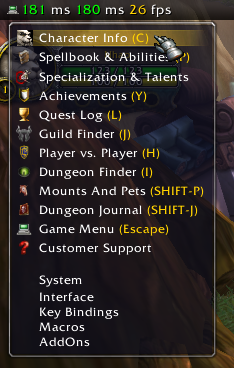 |
https://www.wowace.com/projects/broker_micromenue
Shows the micro menu and game menu in a clickable LibDataBroker tooltip. Also shows your FPS and latency.
I also use DockingStation
 |
https://www.wowinterface.com/downloads/info16780
https://www.curseforge.com/wow/addons/tinydps
A lightweight meter AddOn.
/tinydps

