liked

All posts tagged liked

Ultimate Windows Tweaker 5_32512

Windows 10 > Windows 10 configuration >

https://www.thewindowsclub.com/ultimate-windows-tweaker-4-windows-10

A straightforward and extremely powerful windows configuration tool.

Where configuring Windows involves digging through various applications and their menus, and editing the registry, by placing all the important things in one easily-navigated tool, configuring Windows becomes easy with this tool.


google_chrome_for_android_icon_2016

Google > Chrome >
Software > Web browsers, SVG viewers >

(on Wikipedia)
https://www.google.com/intl/en/chrome/

A web browser by Google, designed to be fast and perfectly willing to sacrifice features.

  • Properly titled Google Chrome


Continue Reading

World of Warcraft > AddOns >

svn://svn.wowace.com/wow/elephant/mainline/trunk
https://web.archive.org/web/20151223171529/http://forums.wowace.com/showthread.php?t=7816
https://www.wowace.com/projects/elephant

Logs messages, so they are remembered between sessions.

Continue Reading

World of Warcraft > AddOns >

https://www.wowinterface.com/downloads/info15351
https://github.com/Xruptor/BagSync

Modifies item tooltips to display the number of items on alts.

  • /bgs

Continue Reading

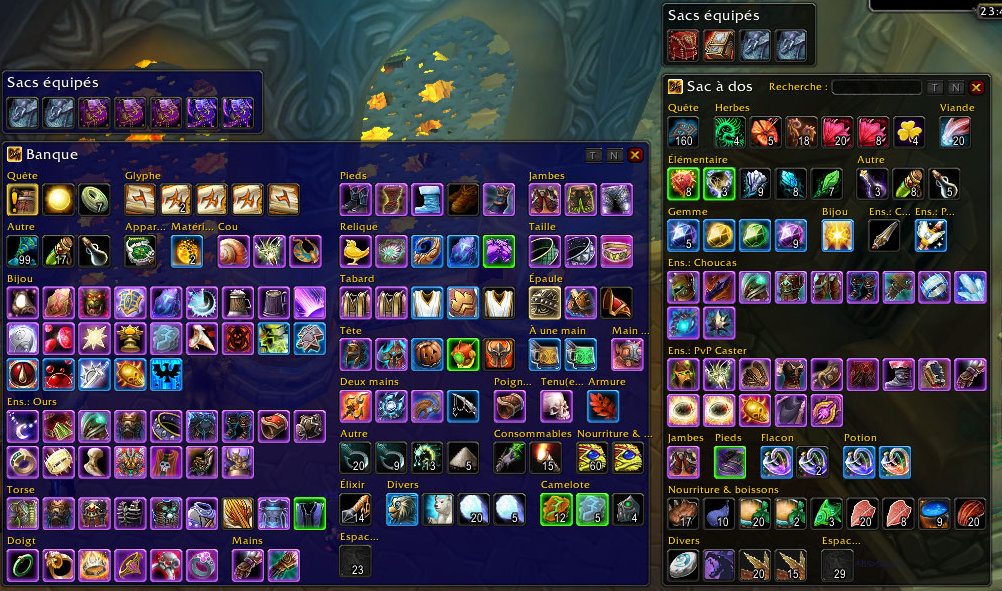
AdiBags screenshot.fr

World of Warcraft > AddOns >

git://git.wowace.com/wow/adibags/mainline.git
https://www.wowace.com/projects/adibags

A bag/bank addon notable for its pre-configured categories and ability to “thin down” the list of inventory items.

Not especially awesome, and it’s a far cry from what ArkInventory can do, but it’s simple and fast.

BagSync is recommended as a companion, since AdiBags knows/shows nothing about what’s in one’s bank or on alts.

  • TODO – figure out how to order the categories in their list. I’m sick of things being inconsistent and bouncing around.


Continue Reading

World of Warcraft > AddOns >

https://www.wowace.com/projects/ampere
https://github.com/TekNoLogic/Ampere

An excellent AddOn control panel.

It does not have set functionality though, so I used AddonSwitcher for that.

Continue Reading

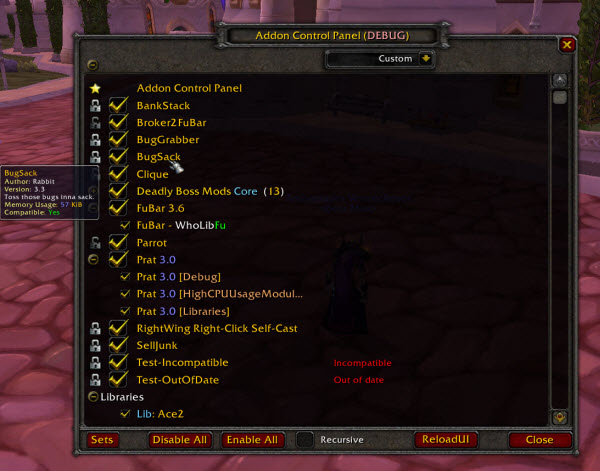
Addon Control Panel image

World of Warcraft > AddOns >

https://legacy.curseforge.com/wow/addons/acp

An AddOn control panel.

Can also manage sets of AddOns.

  • aka ACP


Continue Reading

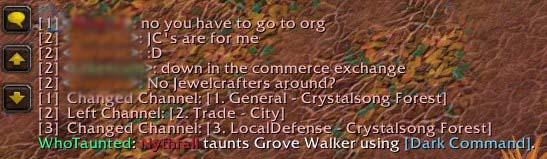
Who Taunted image

World of Warcraft > AddOns >

https://www.curseforge.com/wow/addons/who-taunted

Tracks player taunts and displays who they taunted, what ability they used to taunt, and if it failed in some way.


Continue Reading

TODO – FIXME – curseforge.com/wow/addons/too-many-addons?comment=280 suggests changes

TODO – report bugs and file feature requests

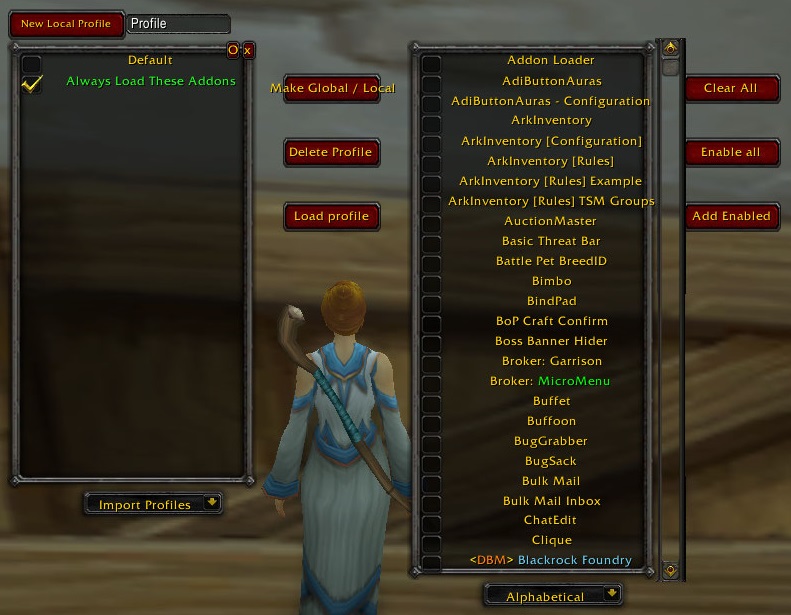
TooManyAddons window

World of Warcraft > AddOns >

https://www.curseforge.com/wow/addons/too-many-addons

Makes it trivial to enable and disable addons, and manage and switch between addon sets.

The default game has an easy way to manage addons, but has no addon set feature.

  • Abandoned; as of 2020-10-14 last updated 2017-08-30