- Install lxappearance
lxappearance-
Icon Theme > Adwaita
- (or whatever)
projects
All posts tagged projects

NMS requires a “new SSE”. Their listed “i3” requirement doesn’t make any sense for non-intel users and the concept of older CPUs being not just slow but entirely unsupported is new to almost everyone.
CPU-Z does mention instruction sets, and does mention SSE, but it might not be specific enough.
These instructions are basically “just for fun” and are not actually needed. As of 2016-08-14, Hello Games are working on this issue and Steam users are testing alphas.
I didn’t get very far, and I hear that this doesn’t work on Windows 10.
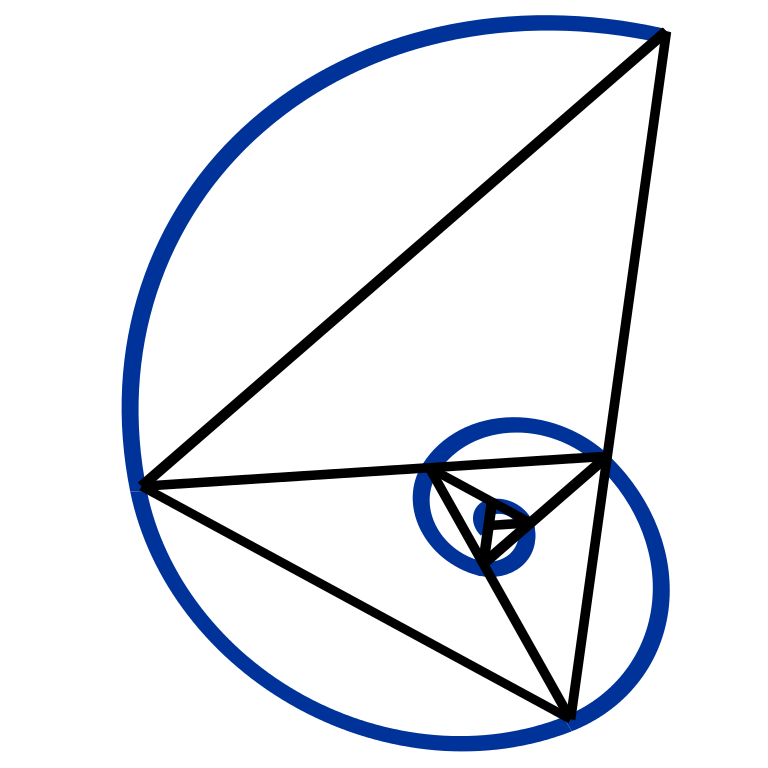 |
Exploring this concept.
I got burnt out and bored pretty quickly, but here are some notes.. I guess.
 |
(on Wikipedia)
www.khanacademy.org
A website for learning stuff, most notably mathematics.
Overall good, but definitely has room for improvement.
- See also KA Lite, an unofficial (though approved) offline clone of this website.
STEM >
Resources for re-learning everything from scratch.
Specifically Mathematics that leads into understanding statistics.
-
Khan Academy is most notable.
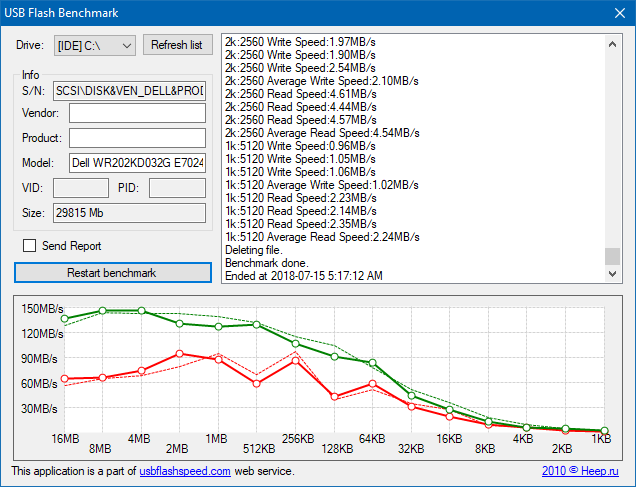 |
When working with a USB stick or a storage card like an SD or MicroSD card..
- Determine if one is “fake”.
- “Fix” one which cannot be formatted.
-
Check the read/write speeds (for various file sizes).
See also:
- /tag/usb-hardware
-
Flash storage reliability (they are not reliable)
 7.x
|
Projects > World of Warcraft > AddOns >
https://www.wowinterface.com/downloads/info13505-TidyBar.html
was https://www.curseforge.com/wow/addons/tidy-bar
my fork https://github.com/spiralofhope/TidyBar
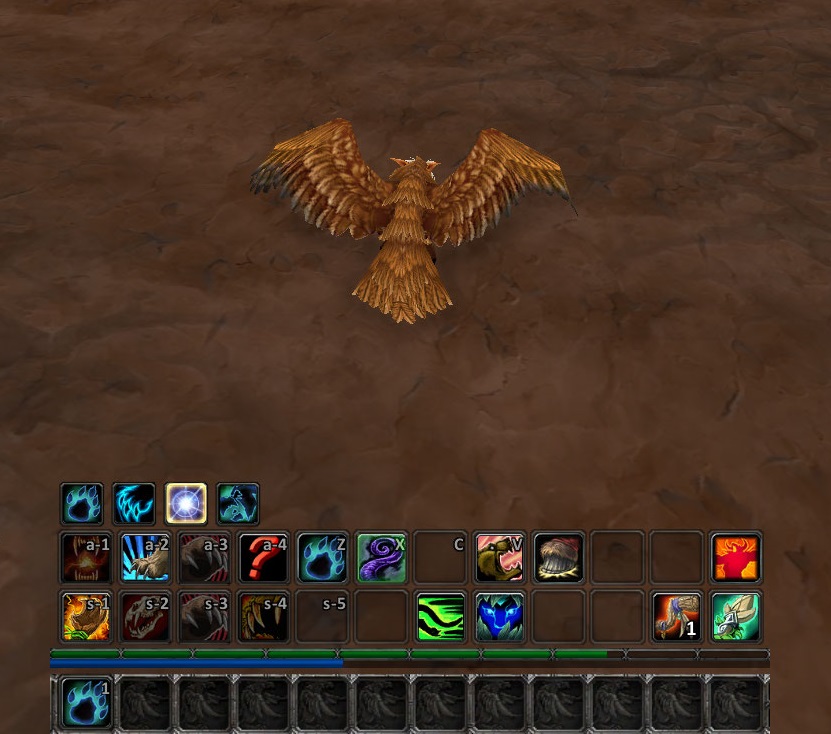
Reconfigures for your action bars. It retains the design of the standard interface, which reduces the screen clutter.
An absolutely spectacular simplification of the UI.
- Brings three of your bars to the middle.
- Brings the remaining two bars to the right-hand side, and hides them unless your mouse is over that area.
-
Takes the blizzard stuff, and hides it in the bottom-right corner unless your mouse is over that area.
–
This is an unsolved problem.. I can can do things manually but not using an easier “A to B” feature.
 |
VLC >
Problem: Given a video, note a start and finish point and export that clip.
I’d make a proper HOWTO with screenshots, but this does not work as-expected. I can get it roughly to work, but not smoothly enough for it to justify a proper tutorial.
- A to B loop cannot be made to stop looping. There is no “A to B’ feature.
-
Recording does not respect A to B.
