Cooking > Food preservation > Canning >
Sterilization involves applying heat to kill germs and the like.
-
See also Cleaning and deodorizing mason jars
Cooking > Food preservation > Canning >
Sterilization involves applying heat to kill germs and the like.
See also Cleaning and deodorizing mason jars
 |
Moving >
Advice for after you’ve decided to move, and after you’ve actually moved.
See also Home-hunting
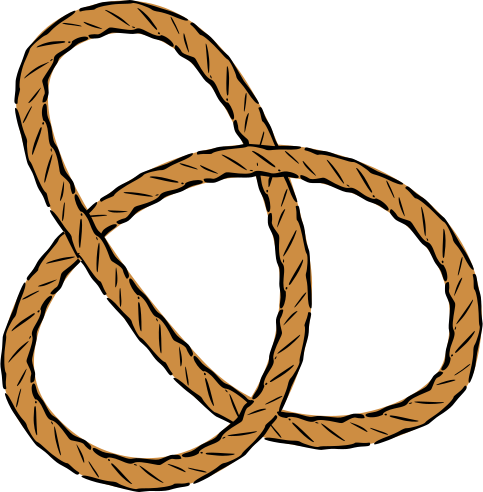 |
Created to record knowledge on how to tie things down and in place.
Borrows from arborists, climbing, fishing, and truck driving.
See:
 |
Entertainment > Movies >
(on Wikipedia)
https://www.imdb.com/title/tt0119099/
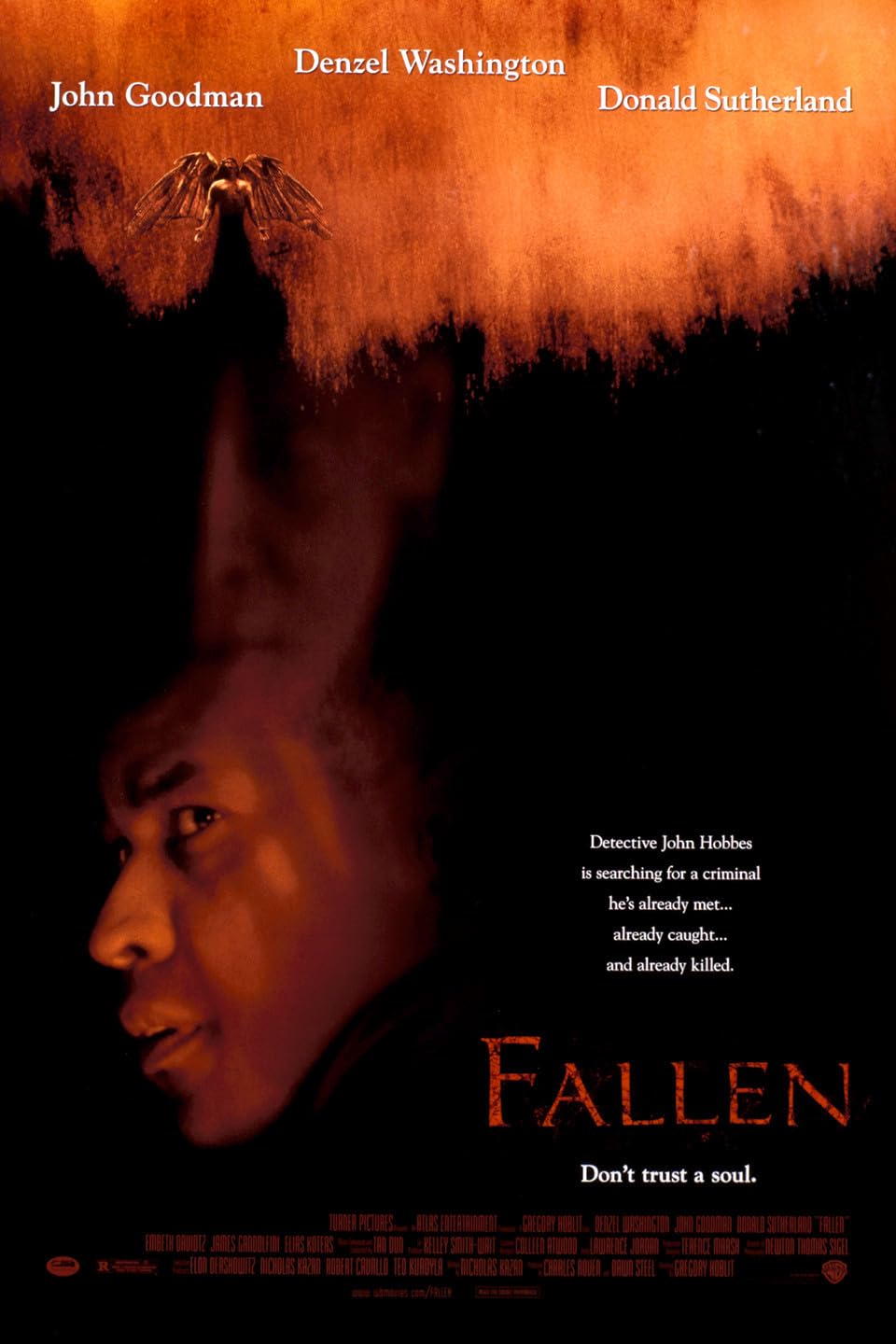
After a convicted murderer’s execution, and when copycat killers become suicides, the original detective is dragged into what becomes a vastly more complex case.
Although I wouldn’t recommend this broadly, it was so impactful that I could only sketch out a vague description from memory and had to wait for the inception of artificial intelligence to help me track it down.
Heavily features Time Is on My Side – (1964 song), by The Rolling Stones
 |
See also:
TL;DR – You can’t use X-Face because compface isn’t available, and you can’t use “Face” because of file size constraints.
There’s also this tool (which didn’t help): https://www.dairiki.org/xface/xface.php
(date not recorded) – with Claws Mail (version not recorded) on Linux (distribution not recorded) – Success, but notes were not taken. I am not sure if, and where, any data might be archived.
1. Use GIMP to save your image as an .xbm file.
2. Launch Windows Subsystem for Linux 2
3. Use ImageMagick to convert it:
\sudo  \apt-get  update
\sudo  \apt-get  install  imagemagick

file_source="image.xbm"
file_target="image"

# Note that although 48x48 is the maximum supported, there is a serious file size constraint, and so it's best to significantly reduce the size.
\convert  ./"$file_source"  -monochrome  -resize 24x24!  "$file_target".temp.pgm
\convert  "$file_target".temp.pgm  -resize 24x24  -colors 2  -dither FloydSteinberg image "$file_target".face
\rm  --force  "$file_target".temp.pgm

\echo  "Confirm that this file is less than 725 bytes:"
\ls  -l  "$file_target".face
Unfortunately, Claws Mail requires a 48×48 image, and that cannot be generated by the above means. I also cannot create a 24×24 first, and then upscale that to 48×48. Maybe there’s a way to do a more lossy conversion?
4. Configure Claws Mail:
double-click or click [Edit][Edit] next to Add user-defined headerNext to Value, click [Browse]
Fails because it both requires 48×48 and an image of less than 725 bytes.
1. Use GIMP to save your image as an .xbm file.
2. Launch Windows Subsystem for Linux 2
3. Use ImageMagick to convert it to a .xface file:
\sudo  \apt-get  update
\sudo  \apt-get  install  imagemagick

file_source="image.xbm"
file_target="image.xface"

\convert  "$file_source"  -monochrome  -resize 48x48!  "$file_target"
4. Configure Claws Mail:
double-click or click [Edit][Edit] next to Add user-defined headerNext to Value, click [Browse]
Fails because compface doesn’t exist/work on Windows. :(
AI Art >
(on Wikipedia)
https://www.midjourney.com/home/?callbackUrl=%2Fapp%2F
Discord > https://discord.com/invite/midjourney
Use a phrase in Discord to have a bot generate images for you.
A free trial, then a subscription fee.
Random notes.
See also:
Batteries, which has notes particular to the battery used in the Convoy S12.
Note that an individual tube is called a cell and it is a group of them connected which is called a battery; maybe more appropriately it is a battery of cells.
See also:

